LinkedIn Profile Audit: Rebuild Your Profile With 11 Claude Prompts
Score every section the way a buyer sees it, then rebuild your profile in one sitting with 11 copy-ready Claude prompts.

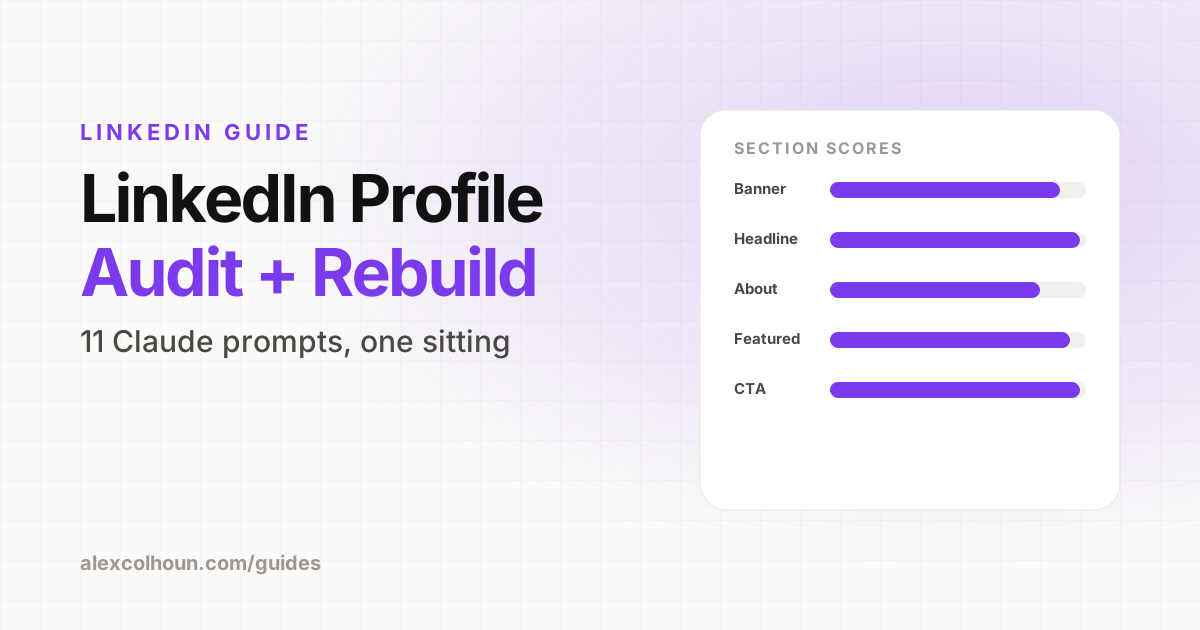
A LinkedIn profile audit scores every section of your profile the way a buyer sees it, then rebuilds the weak ones. Export your profile as a PDF, take screenshots of your top card and Featured section, and give them to Claude with the 11 prompts below. You get a score from 1 to 10 for each section, a ranked list of fixes, new copy for your banner, headline, About, Featured and Experience, and a re-audit to confirm every section scores 8 or higher. Most people finish it in one sitting.
Your profile is the page every buyer checks before they reply to a DM, accept a connection request or book a call. If it reads like a CV, they leave. If it reads like a clear answer to their problem, they take the next step.
This guide gives you every prompt from the video, in the order you run them, so you can audit and rebuild your whole profile with Claude. Copy each prompt, fill in the [brackets] with your real details, and paste it into Claude.
 Watch the walkthroughHow I Optimize My LinkedIn Profile with Claude AI
Setup: do this first
- Create a Claude Project called "LinkedIn Profile". Run every prompt in this guide inside it, so Claude keeps your context from one prompt to the next.
- Export your profile as a PDF. On your LinkedIn profile, click More, then Save to PDF. It covers your headline, About, Experience, education and skills.
- Take screenshots of your top card on desktop and on mobile, plus your Featured section. The PDF leaves out your visuals.
- Write your context brief with Prompt 1 and paste it into the Project instructions.
- Make a copy of the Profile Audit Scorecard (File, then Make a copy) to record your before and after scores.
The [brackets] are the most important part. Generic input gets generic copy. Use real numbers, real client results and the words your buyers actually use.
Prompt 1: Context brief
This brief powers every prompt after it. Fill it in once, then paste it into your Claude Project instructions.
You are my LinkedIn client acquisition strategist. Use this context for every answer in this chat.

ICP: [role, industry, company size]
Their main problem: [in their own words]
My offer: [name, format, price range, outcome]
Proof: [client results, numbers, names, partners]
Voice: direct, practitioner, no hype, no buzzwords.

Reply "Ready" when you have it.Prompt 2: Profile audit
Upload your profile PDF and screenshots in the same chat, then run this. Record each score in the scorecard.
Act as my ideal client landing on my LinkedIn profile for the first time. My profile PDF and screenshots are attached.

Score each section from 1 to 10: banner, photo, headline, About, Featured, Experience, recommendations and skills, CTA.

For each section, tell me:
1. What a buyer understands in the first 5 seconds
2. What is missing or unclear
3. The single fix with the biggest impact

Then rank my top 3 fixes. Be blunt. No generic advice.Anything under 7 is a priority. Use this rubric to sanity-check Claude's scores.
| Section | What a buyer should get |
|---|---|
| Banner | The promise and proof at a glance |
| Photo | A clear face, someone they would trust |
| Headline | Who you help and the outcome |
| About | Opens with their problem, ends with a next step |
| Featured | One easy next step |
| Experience | Reads like a service, not a job history |
| Proof | Recommendations from people like them |
| CTA | Every section points to the same action |
Prompts 3 to 10: Rebuild each section
Work through these in order. Each one lists what the section should look like, then the prompt.
3. Banner: one promise, one proof
- Size: 1584 x 396 px
- One promise in 8 words or less
- Proof: logos, partners or a result
- Keep the left side clear. Your photo covers it.
Using my context, write 5 banner concepts for a 1584 x 396 px image.

Each concept needs:
- a headline of 8 words or less
- one proof line (results, logos, or partners)
- one call to action

Keep text off the left third, where my photo overlaps.
Then describe the layout of the strongest one.More banner ideas and layouts: LinkedIn banner size and ideas.
4. Photo: clear, close and current
- Your face fills most of the frame
- Eye contact, good light, a real smile
- A background that contrasts with your brand color
- Taken in the last year or two
Here are 3 photos of me. Rank them as a LinkedIn profile photo for [ICP].

Judge each one on:
- how clear my face is at thumbnail size
- lighting and background distractions
- whether I look approachable and credible

Pick the winner and tell me what to fix in it: crop, brightness, or background.5. Headline: who you help, what changes
- 220 characters max
- Formula: who you help + outcome + how or proof
- Lead with the outcome. Mobile cuts it short.
Write 5 LinkedIn headlines for my ICP, each under 220 characters.

Formula: who I help + the outcome they want + how or proof.
Put the outcome in the first few words.
Use phrases my buyers would type into search.
Ban: passionate, results-driven, guru, ninja, empowering.

Then pick the strongest one and explain why in one line.See the formula in action: LinkedIn headline examples.
6. About: a sales letter, not a bio
- 2,600 characters max
- Only the opening lines show before "see more"
- Structure: problem, system, proof, fit, CTA
- Short lines and white space
Write my LinkedIn About section, under 2,600 characters.

Structure:
1. Two opening lines naming my ICP's problem in their words
2. What I do and the system behind it
3. Three proof points with numbers from my context
4. Who this is for, and who it is not for
5. One clear call to action

First person. Short lines. No cliches.
Then give me 3 alternate openings.Full examples by niche: LinkedIn About section examples.
7. Featured: your mini funnel
- Pin 3 items in funnel order
- First: free value, like a lead magnet or community
- Second: a case study or client result
- Third: your offer or booking page
Based on my offer, list the 3 Featured items that move [ICP] from stranger to booked call, in order.

For each item give me:
- a title under 50 characters
- a one-line description
- the text for the thumbnail

Flag anything already in my Featured section that should come off.The full 3 card framework: LinkedIn Featured section.
8. Experience: sell the service
- Your current role is your business, written for buyers
- Who you help, what you deliver, results
- 2,000 characters per role
- Add media: case studies, decks, videos
Rewrite my current Experience entry for [business] as a short sales page for prospects, not recruiters. Under 2,000 characters.

Include: who I help, the problem, what working with me looks like, and 3 results.

Then rewrite each older role in 2 lines, framed as the experience that makes me credible to [ICP].9. Proof: recommendations and skills
- Ask clients for specific before and after results
- Give them prompts so it's easy to write
- Pin the skills buyers connect with your offer
Write a LinkedIn recommendation request to [client name], under 80 words.

Include 3 short prompts tied to the result we got: [result].
Make it easy to say yes.

Then from this list of my skills: [paste list], pick the 5 my buyers care about most. Explain each pick in one line.10. CTA: one next step everywhere
- Custom URL: linkedin.com/in/yourname
- Website and booking link in Contact info
- Follow as your primary button if you post content
- Premium: a custom button to your booking page, if your plan offers it
Here is my updated profile. List every call to action on it: banner, headline, About, Featured, Experience.

Do they all point to one next step for [ICP]?

Rewrite any that compete so the whole profile drives one action: [book a call / join my community / DM me a keyword].Prompt 11: Re-audit
Export a fresh PDF and new screenshots, then run this in the same chat. Add the new scores to the After column of your scorecard.
Here is my rebuilt profile: new PDF and screenshots attached.

Re-score every section with the same rubric as the first audit.
Show before and after scores side by side.
List anything still below 8, with the exact fix.Run it again any time your offer or ICP changes.
Final checklist
- Context brief saved in a Claude Project
- Banner live at 1584 x 396 px with one promise and one proof
- Photo updated and clear at thumbnail size
- Headline leads with the outcome, under 220 characters
- About opens with your buyer's problem and ends with one CTA
- 3 Featured items pinned in funnel order
- Current Experience role rewritten for buyers
- At least one new recommendation requested
- Custom URL set and booking link in Contact info
- Every section points to the same next step
- Re-audit run, every section scoring 8 or higher
Once your profile is ready, start sending people to it. Get clients from LinkedIn with Claude walks through the inbound and outbound prompts that come next.
Want the rest of the system, plus feedback on your rebuilt profile? Join The Growth Innovator community on Skool and start with the Start Here module. It's free.
Frequently Asked Questions
How do I audit my LinkedIn profile with Claude?
Export your profile as a PDF (More, then Save to PDF), take screenshots of your top card and Featured section, and ask Claude to score each section from 1 to 10 as your ideal client would see it, with the biggest fix for each.
How do I save my LinkedIn profile as a PDF?
On your LinkedIn profile, click More under your name, then Save to PDF. The PDF includes your headline, About, Experience, education and skills, but not your banner, photo or Featured section, so add screenshots of those.
Can Claude see my LinkedIn profile?
Not directly. Give it your profile PDF and screenshots in the chat, plus a context brief about your buyer, offer and proof, and it can audit and rewrite every section.
What is a good score for each LinkedIn profile section?
Treat anything under 7 as a priority and aim for 8 or higher on every section after your rebuild.
How often should I audit my LinkedIn profile?
Re-run the audit any time your offer or ideal client changes, and at least every few months.