Get Clients From LinkedIn With Claude: 7 Prompts for Inbound and Outbound
The inbound and outbound prompts that turn LinkedIn attention into conversations, calls and clients.

To get clients from LinkedIn with Claude, give Claude a short brief about your buyer, offer and proof, then use it at each stage of the pipeline: plan content that attracts buyers, write a CTA for every post, open DMs with the people who engage, and run outbound to buyers who haven't found you yet. The 7 prompts below cover inbound and outbound, in the order you use them. Inbound and outbound are two ways to start the conversation. Once you're in the DMs, the process is the same.
Most founders treat LinkedIn as either a content channel or an outreach channel. The ones who get clients consistently run both, and they run them as one system: content earns the trust, outreach starts the conversation, and the DMs turn it into a call.
This guide gives you every prompt from the video, in the order you use them. Copy each prompt, fill in the [brackets] with your real details, and paste it into Claude.
 Watch the walkthroughHow I Get Clients from LinkedIn with Claude AI
The pipeline
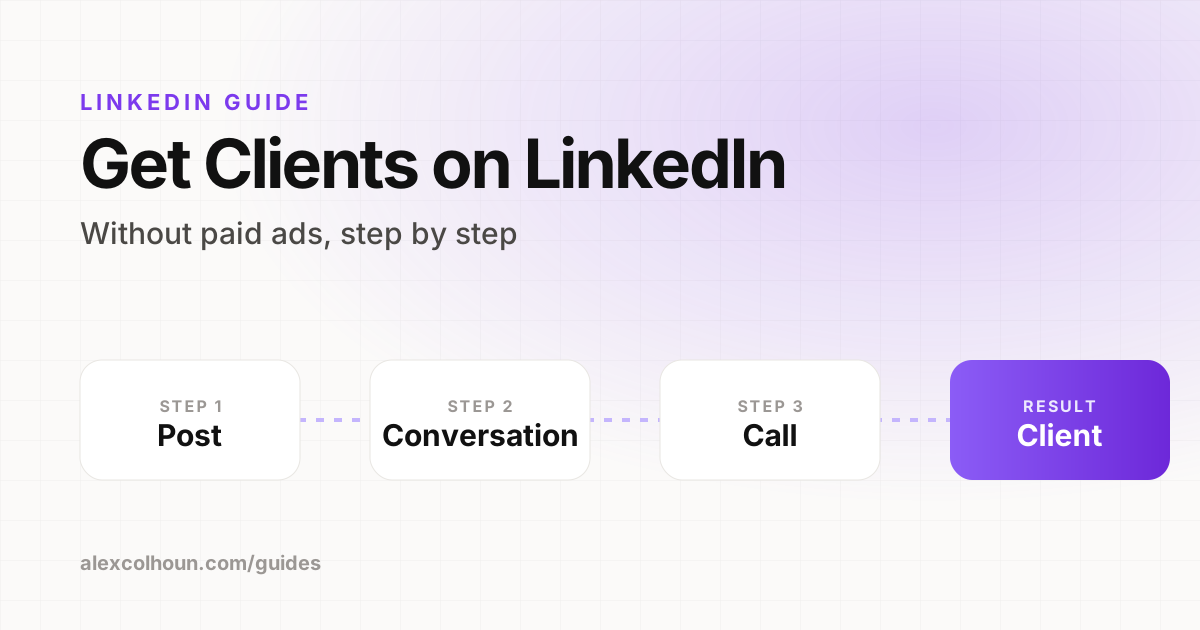
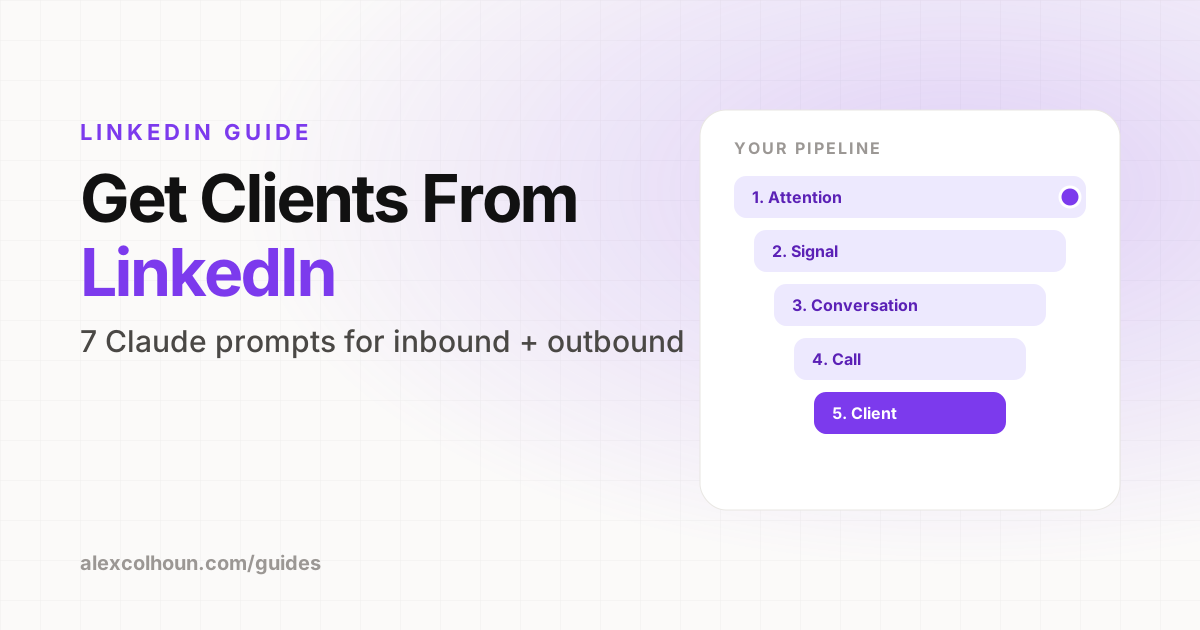
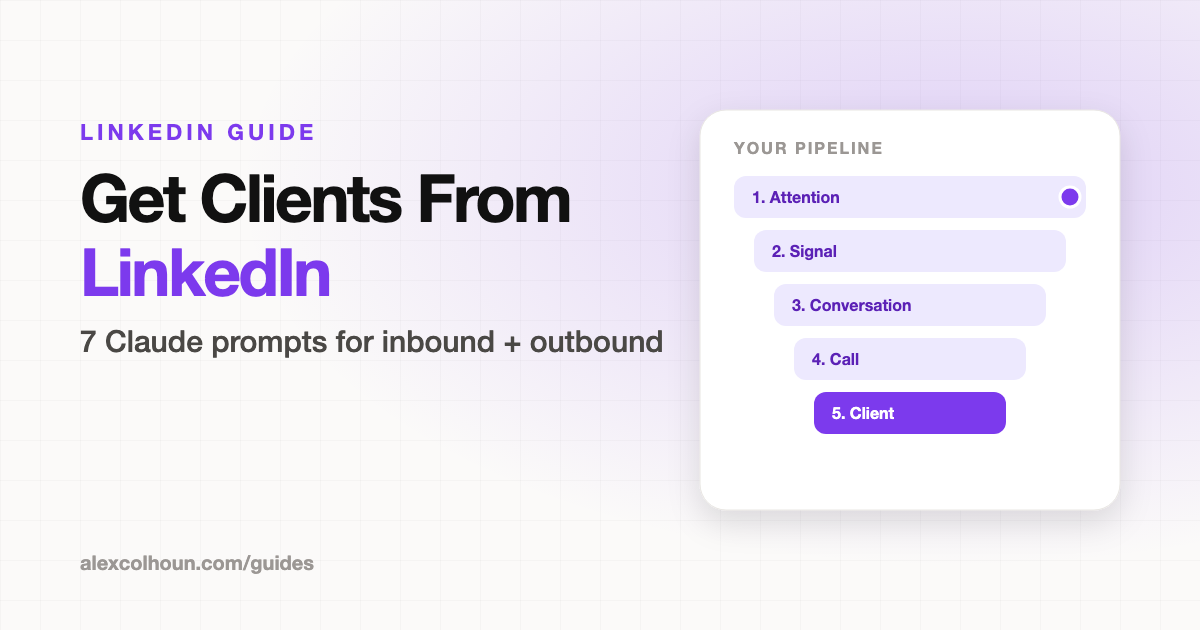
Every client moves through the same five stages:
- Attention: they see your content or your comment
- Signal: they engage, view your profile or accept your request
- Conversation: you start a real DM
- Call: they book a call
- Client: they pay
Track every person at every stage in a simple sheet: name, stage, last touch and next step. The fastest way to lose a client on LinkedIn is to forget to follow up.
Setup: Prompt 1, context brief
Create a Claude Project called "LinkedIn Clients" and run every prompt in it. Paste your filled-in brief into the Project instructions so every chat starts with it. If you've done the profile audit, reuse that brief and add the last line.
You are my LinkedIn client acquisition strategist. Use this for every answer in this chat.

ICP: [role, industry, company size]
Their main problem: [in their own words]
My offer: [name, price range, outcome]
Proof: [client results with numbers]
Where clients come from today: [referrals, inbound, outbound]

Reply "Ready" when you have it.Inbound: content that brings buyers to you
Prompt 2: Two-week content plan
Mix four post types:
- Authority: how you solve the problem
- Proof: client results
- Story: why you do this
- Offer: a plain invitation in
If you never post an offer, people don't know you have one.
Using my context, plan my next 2 weeks of LinkedIn posts, one per weekday.

Mix four types: authority, proof, story, and offer. Include at least one direct offer post each week.

For each post give me: the type, a hook under 12 words, the main point, and the CTA.

Every topic must be a problem my ICP would pay to solve.Prompt 3: A CTA for every post
One CTA per post, matched to the post type. Comment keywords build a list of interested people. DM keywords start sales conversations.
Here is my draft post: [paste post]

Write 3 CTA options for it:
1. A comment keyword for a free resource
2. A DM keyword that starts a sales conversation
3. A soft CTA that points to my profile

Tell me which one fits this post best and why.Engagement signals: what to do with each
Only act on people who fit your ICP. Fit matters more than volume.
| Signal | What it tells you | Your move |
|---|---|---|
| Comments your keyword | Wants the resource | Send it in DMs and ask one question |
| Leaves a real comment | Cares about the topic | Reply, then DM within a day |
| Views your profile | Checking you out | Connect with a short, personal note |
| Follows you | Wants more of your content | Welcome DM with one question |
| Reacts often, never comments | Warm but quiet | Comment on their posts, then DM |
Prompt 4: Opening DM
Reference what they said, ask one question about their situation, and keep it under 50 words. No pitch and no link in message one. Edit Claude's draft so it sounds like you.
[Name] commented this on my post about [topic]: [paste comment]
Their headline: [paste headline]

Write 3 opening DMs under 50 words each.
Reference their comment, ask one question about their current situation, and do not pitch.

Sound like a real person, not a sales rep.Outbound: starting conversations with the right buyers
Prompt 5: Build your buyer list
Filter by title, industry, company size and location. Sales Navigator adds more filters, but basic search is enough to start. Prioritize people who post, since they're active on LinkedIn.
Using my ICP, give me LinkedIn search filters to find my buyers:
- 10 job titles, including variations
- industries and company size ranges
- a Boolean keyword string for the search bar
- 5 buying signals to look for on a profile

Then list who to exclude so I don't waste outreach.Prompt 6: Warm them up before you connect
Four steps:
- Follow them and view their profile.
- Leave useful comments on a few of their posts.
- Connect once your name looks familiar.
- Message them after they accept.
Use this prompt for step 2. For a full commenting routine, see LinkedIn commenting strategy.
Here is [Name]'s post: [paste post]. Write 3 comments under 40 words that add a real insight from my experience. No praise-only comments.Prompt 7: Outreach sequence
Give before you ask. Paste in their real profile or a recent post so every message is specific. If they reply at any point, drop the sequence and just talk to them.
Write a LinkedIn outreach sequence to this person: [paste profile or recent post]

Connection note: under 200 characters, mention something specific.
Message 1: one question about their situation.
Message 2: one useful insight, no ask.
Message 3: a soft invite to a call.

Under 60 words each. No pitch before message 3.More templates for each message: connection request messages and LinkedIn outreach messages.
How inbound and outbound work together
Outbound starts the conversation. Content earns the trust. When a prospect clicks your profile after your message, your posts and Featured section do the selling. That's why it pays to rebuild your profile before you send a single connection request.
Want every template and tracker from this system, plus feedback on your DMs? Join The Growth Innovator community on Skool and start with the Start Here module. It's free.
Frequently Asked Questions
How do I get clients from LinkedIn with Claude?
Give Claude a brief about your ideal client, offer and proof, then use it to plan buyer-focused posts, write a CTA for each post, draft opening DMs for people who engage, and write specific outreach to buyers who haven't found you yet.
Should I use inbound or outbound on LinkedIn?
Both. Inbound content earns trust and brings buyers to you, and outbound starts conversations with buyers who haven't seen you yet. Once you're in the DMs, the process is the same.
What should my first LinkedIn DM say?
Reference something specific they said or posted, ask one question about their situation, and keep it under 50 words. No pitch and no link in the first message.
Do I need Sales Navigator to find clients on LinkedIn?
No. Sales Navigator adds more filters, but LinkedIn's basic search with job title, industry, company size and location is enough to start.
What should I do when someone engages with my LinkedIn post?
Only act on people who fit your ideal client. Send the resource to anyone who comments your keyword, reply to real comments and DM within a day, and connect with profile viewers using a short, personal note.