LinkedIn Lead Generation: An Organic System for B2B
Attract, convert, connect and qualify: the organic lead generation system I teach, with a one hour daily routine.

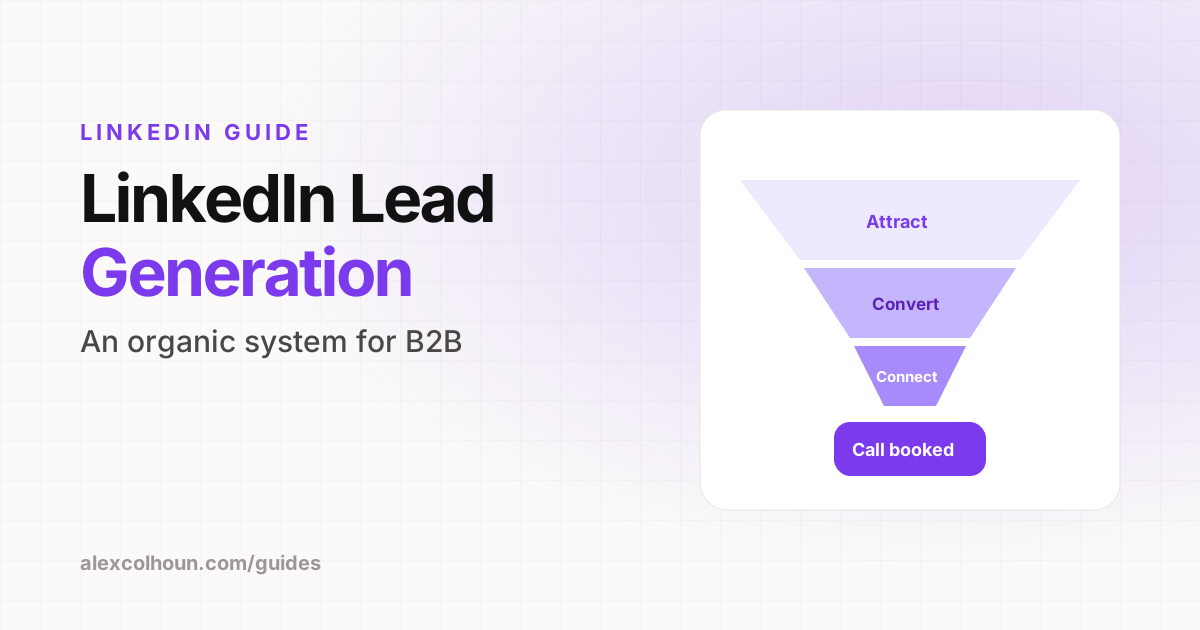
Organic LinkedIn lead generation works in four stages: attract the right people with content, convert profile visitors with a clear offer and lead magnet, start conversations with the people who engage, and qualify those conversations into calls. You do not need ads or automation. You need a clear audience, a profile that sells, consistent content and a simple daily routine for conversations.
LinkedIn is one of the best places to generate B2B leads because your buyers are already there, using their real names and job titles. The problem is that most people treat it like a cold email list and blast connection requests with pitches.
This is the organic lead generation system I use and teach. It is built on content and conversations, not ads or automation tools.
The LinkedIn lead generation system
| Stage | Goal | What you do |
|---|---|---|
| 1. Attract | Get in front of buyers | Post useful content and comment in your niche |
| 2. Convert | Turn visitors into leads | Profile that sells, lead magnet, newsletter |
| 3. Connect | Start conversations | Warm DMs to people who engage |
| 4. Qualify | Book the right calls | Ask questions, offer a call when there is a fit |
Step 1: Define who a lead actually is
Before any tactics, write down your ideal client in one sentence: role, company type, size and the problem they need solved. "Founders of 10 to 50 person B2B service firms who want more inbound leads" is a lead definition. "Business owners" is not.
This definition decides what you post, who you connect with and who you spend time messaging.
Step 2: Attract leads with content
- Post three to five times a week about the problems your ideal client has.
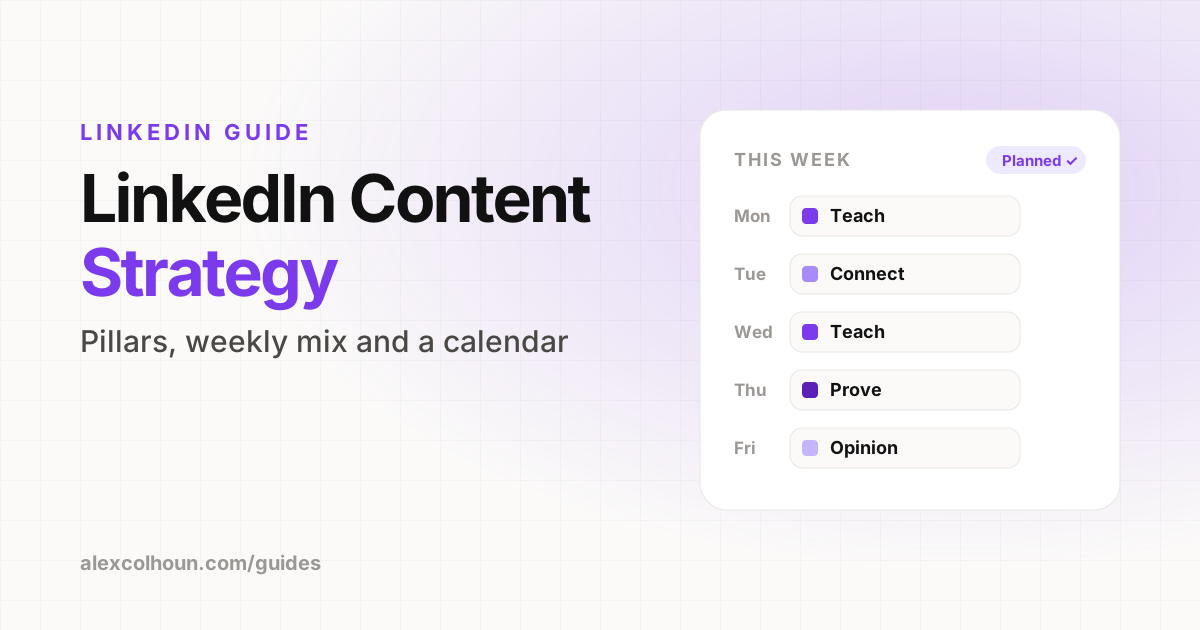
- Mix teaching, proof and story posts. Teaching builds reach, proof builds trust, stories build connection.
- Comment daily on posts from people your buyers follow.
- Connect with the right people, starting with those who engage with you and people in your target role.
Read more in LinkedIn content strategy and how to write LinkedIn posts.
Step 3: Convert profile visitors into leads
Good content sends people to your profile. Your profile decides whether they become a lead.
- Headline: who you help and the result. See LinkedIn headline examples.
- About section: problem, method, proof and one next step. See About section examples.
- Featured section: a free resource (lead magnet), a newsletter signup and a way to book a call.
- Lead magnet: a checklist, template or short guide that solves one specific problem for your buyer.
Lead magnets that work on LinkedIn
- Checklists and audits (for example, a profile audit checklist).
- Templates people can copy (posts, emails, proposals).
- Short guides or playbooks on one problem.
- A newsletter that delivers one useful idea every week.
A common approach is a "comment to get it" post: share the resource, ask people to comment a keyword, then send it by DM. It works, but use it sparingly so your feed does not become all giveaways.
Step 4: Start conversations with warm leads
Every comment, profile view, new follower and resource download is a warm signal. Spend 20 to 30 minutes a day starting conversations with the people who fit your client definition. Keep the first message short and about them, ask one question and do not pitch. Templates are in LinkedIn DMs that book calls.
Step 5: Qualify and book calls
- Ask what they are trying to achieve and what is in the way.
- Share something useful, with no strings attached.
- If there is a clear fit, offer a short call to map out a plan.
- If there is no fit, say so and keep the relationship.
A daily LinkedIn lead generation routine
| Time | Task |
|---|---|
| 10 min | Reply to comments on your latest post |
| 20 min | Comment on posts from people your buyers follow |
| 20 min | Message warm leads: commenters, profile viewers, new followers |
| 10 min | Follow up on open conversations and log leads |
About an hour a day, plus your content batching time each week.
How to track LinkedIn leads
Use a simple spreadsheet or CRM with: name, how they found you, stage (conversation, qualified, call booked, client) and next step. Each week, count new conversations, calls booked and clients won. Those three numbers tell you more than impressions ever will.
Do you need Sales Navigator or automation?
Not to start. Sales Navigator can help with searching and saving leads once your content and conversations are working. I avoid automation tools that send messages or connection requests for you. They risk your account and make your outreach feel like spam.
Lead generation mistakes
- Pitching in connection requests.
- Posting without a clear next step on your profile.
- Chasing reach with content that has nothing to do with your offer.
- Not following up with people who engage.
- Not tracking anything, so you cannot tell what works.
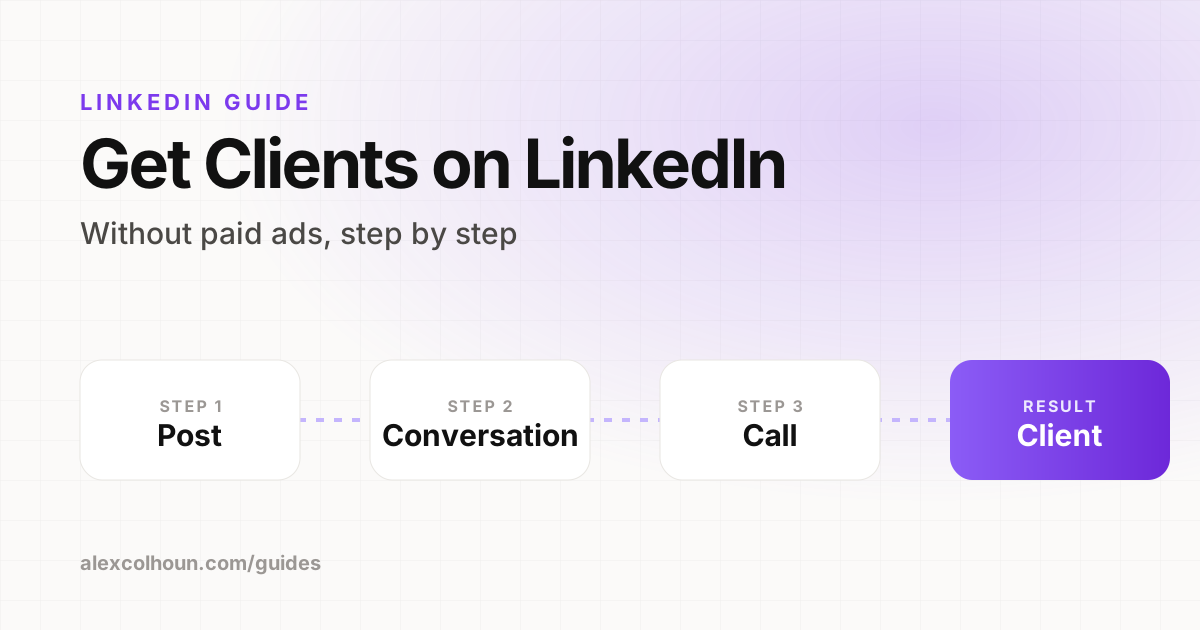
The full client acquisition picture is in how to get clients on LinkedIn. If you want us to build this system with you, that is what 1:1 coaching is for.
Frequently Asked Questions
How do you generate leads on LinkedIn?
Define your ideal client, post content about their problems, turn your profile into a landing page with a lead magnet, start conversations with people who engage and offer calls when there is a fit.
Is LinkedIn good for B2B lead generation?
Yes. Decision makers use LinkedIn with real names and job titles, which makes it one of the most effective channels for B2B lead generation.
Do I need Sales Navigator for LinkedIn lead generation?
Not to start. It can help with searching and saving leads later, once your content and conversations are working.
Should I use LinkedIn automation tools?
Alex Colhoun recommends avoiding tools that send messages or connection requests automatically, because they risk your account and make outreach feel like spam.
What is a good lead magnet for LinkedIn?
Something that solves one specific problem quickly, such as a checklist, template, short playbook or a weekly newsletter.