How to Write LinkedIn Posts That Get Engagement
Hook formulas, post structure and 5 templates, based on 985+ posts and 5.8M+ impressions.

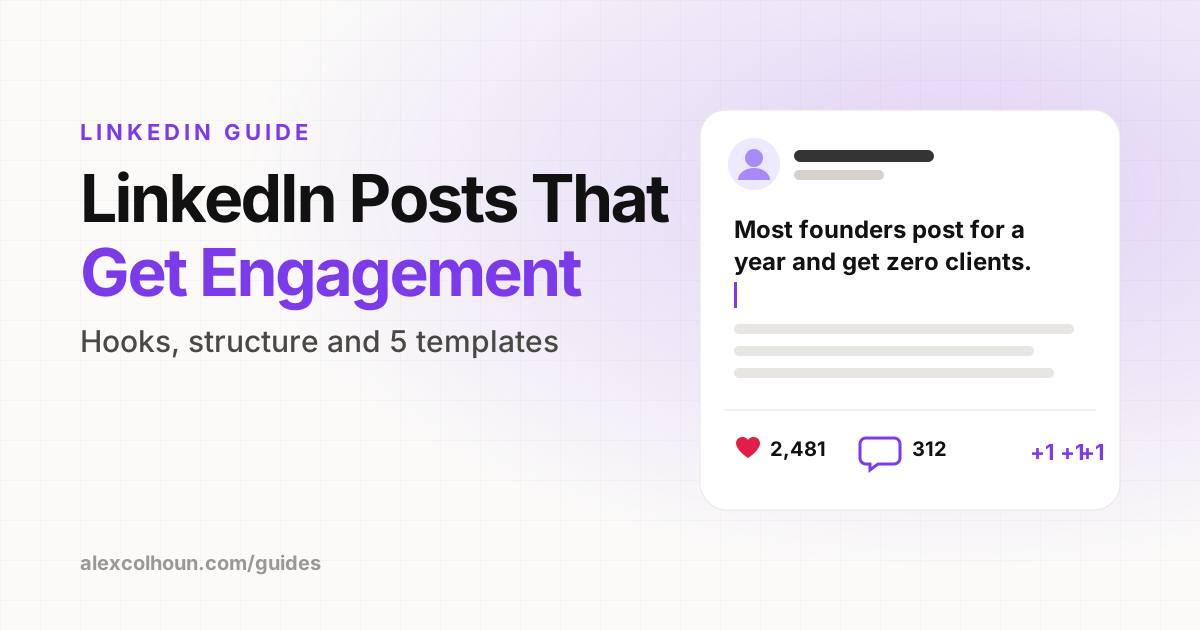
A LinkedIn post that gets engagement has three parts: a hook that stops the scroll in the first line, a body that delivers one clear idea in short, skimmable lines, and an ending that invites a response. Write for one specific reader, give them something worth saving, and post consistently.
I have written and analyzed more than 985 LinkedIn posts, which have generated over 5.8M impressions. The posts that perform are rarely the most clever. They are the clearest. They make one point, make it fast, and make it useful.
Here is the structure I use for every post, plus templates you can adapt today.
The anatomy of a high performing post
- Hook: the first line, which decides whether anyone clicks "see more".
- Body: one idea, broken into short lines with plenty of white space.
- Ending: a takeaway and a reason to comment, save or follow.
How to write a hook that stops the scroll
On LinkedIn only the first couple of lines show before "see more". If the hook does not earn the click, the rest of the post does not exist. Six hook types that work consistently:
- The result: "I grew from 0 to 46K followers without ads. Here is what worked."
- The mistake: "Most founders post on LinkedIn for a year and get zero clients. Here is why."
- The number: "7 LinkedIn profile fixes that take less than 10 minutes."
- The contrast: "Likes do not pay the bills. Conversations do."
- The story: "Two years ago I had 300 followers and no clients."
- The promise: "Steal the exact post structure I use every week."
Keep the hook short, specific and about the reader's problem or goal. Write it last, after you know what the post delivers.
How to write the body
- One idea per post. If you have two ideas, you have two posts.
- Short lines. One or two sentences per line. White space makes posts easier to read on mobile.
- Specifics beat general advice. Numbers, steps and real examples make content worth saving.
- Write like you talk. Read it out loud. If it sounds like a press release, rewrite it.
- Lists and steps. Numbered steps and simple frameworks are easy to skim and easy to save.
How to end a post
The ending decides what happens next. Match it to your goal:
- For comments: ask a simple question your reader can answer in a few words.
- For saves: end with a one line summary they will want to come back to.
- For follows: tell them what you post about and why they should stick around.
- For leads: offer a free resource in exchange for a comment, or point to your Featured section.
Use one call to action per post. Asking for everything gets you nothing.
Which post format should you use?
| Format | Best for |
|---|---|
| Text only | Stories, opinions and quick lessons |
| Carousel (document) | Frameworks, step by step guides and checklists |
| Image | Proof, screenshots and before and after results |
| Video | Personality, behind the scenes and building trust |
Mix formats through the week, but let your best ideas decide the format, not the other way around.
5 LinkedIn post templates you can copy
1. The lesson
[Result or moment]. Here is what it taught me: [lesson]. The mistake most people make is [mistake]. Instead, try [better approach].
2. The step by step
How to [result] in [timeframe]: Step 1, [action]. Step 2, [action]. Step 3, [action]. Save this for later.
3. The before and after
Before: [old situation]. After: [new situation]. What changed: [3 specific things].
4. The myth
Everyone says [common advice]. In my experience, [contrarian view]. Here is why: [reasons].
5. The client story
[Client type] came to me with [problem]. We changed [what you did]. [Timeframe] later: [result].
How often should you post on LinkedIn?
Three to five times a week is a strong target for most founders and consultants. More important than frequency is consistency: posting every week for three months will do more than posting every day for two weeks and stopping.
What to do after you hit post
- Reply to every comment in the first hour. Replies keep the conversation going.
- Comment on posts from people in your niche before and after you publish.
- Start conversations with the people who engage. That is where posts turn into clients, which I break down in how to get clients on LinkedIn.
Mistakes that kill engagement
- Long paragraphs with no white space.
- Hooks that hide the point until the end.
- Posting about everything instead of one clear topic.
- Never replying to comments.
- Writing for other creators instead of for buyers.
If you want your posts reviewed and a library of proven post templates, both are free inside The Growth Innovator community on Skool.
Frequently Asked Questions
How do you write a good LinkedIn hook?
Keep the first line short, specific and about the reader's problem or goal. Proven hook types include a result, a common mistake, a number, a contrast, a short story and a clear promise.
How long should a LinkedIn post be?
Long enough to deliver one clear idea and no longer. Use short lines and white space so the post is easy to skim on mobile.
How often should I post on LinkedIn?
Three to five times a week is a strong target for most founders and consultants. Consistency over several months matters more than daily posting for a short burst.
What type of LinkedIn post gets the most engagement?
Posts that teach one useful idea clearly, such as step by step frameworks, checklists and lessons from real results, tend to earn the most saves and comments.