How the LinkedIn Algorithm Works (A Plain English Guide)
How LinkedIn decides who sees your posts, the signals that matter, the myths to ignore and what to actually do about it.

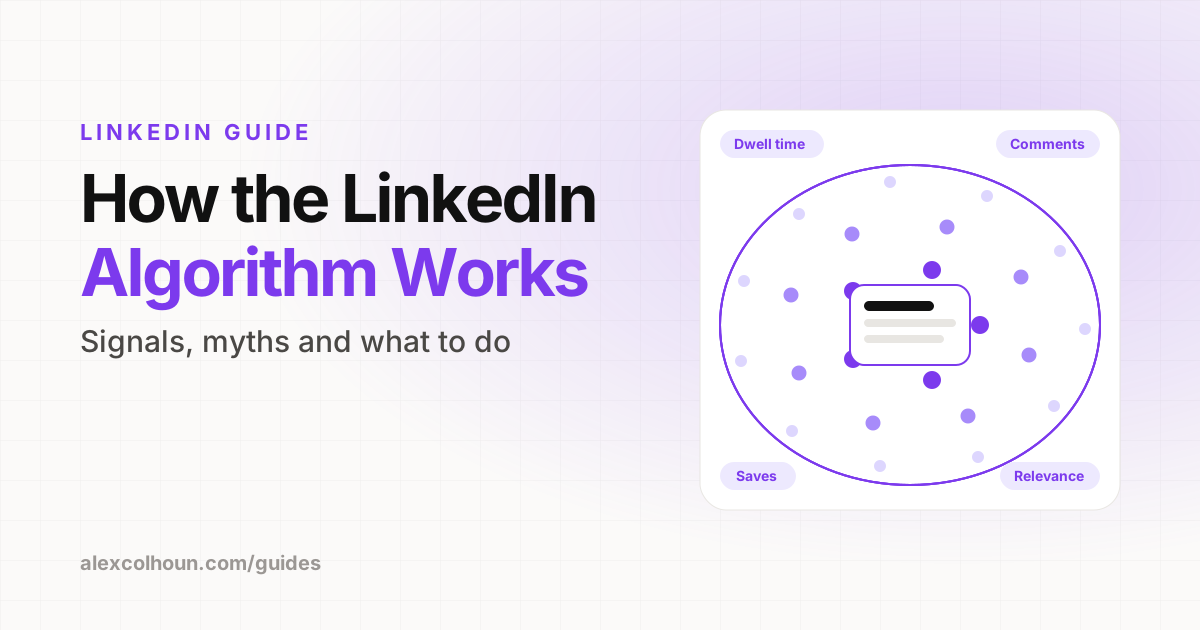
The LinkedIn algorithm decides who sees your post based on how relevant it is to each person and how people react to it. It first shows a post to a small group, then widens distribution if people stop, read, comment and save. Meaningful comments, time spent reading, relevance to your topic and expertise, and your relationships with the people who see it all matter. Engagement bait and posting off topic tend to hurt.
Nobody outside LinkedIn knows the exact formula, and it changes over time. Anyone who claims to have "cracked" it is guessing. What we do have is what LinkedIn has said publicly about its feed, plus what consistently works across thousands of posts.
This guide sticks to that: how the feed works in plain English, the signals that matter, and what to actually do about it. It is based on my own experience writing 985+ posts that have generated 5.8M+ impressions.
How the LinkedIn feed works, step by step
- You publish. LinkedIn checks the post for spam and quality signals.
- A first test. The post is shown to a small portion of your network and followers.
- Early reactions are measured. Do people stop scrolling, read, click "see more", comment, save or share?
- Distribution widens or slows. Strong signals push the post to more of your network and beyond it, including people who follow the topic or engage with similar content.
- Long tail. Good posts can keep getting shown for days, especially when new comments keep arriving.
The signals that matter most
| Signal | Why it matters |
|---|---|
| Dwell time | Time spent reading shows the post held attention |
| Meaningful comments | Thoughtful comments and replies signal a real conversation |
| Saves and shares | Show the content was useful enough to keep or pass on |
| Relevance and expertise | LinkedIn has said it wants to show people knowledge and advice from people with relevant expertise |
| Relationships | People who often interact with you are more likely to see your posts |
| Reactions | Useful, but a like is a weaker signal than a comment or save |
Why posting on one topic helps
LinkedIn has been open about wanting the feed to surface useful, expert content. The practical takeaway: pick a small number of topics and post about them consistently. When your profile, your posts and the people who engage with you all point to the same subject, it is easier for LinkedIn to know who your content is for. My LinkedIn content strategy guide shows how to pick those topics.
What tends to hurt reach
- Engagement bait: "Comment YES if you agree" or asking for likes. LinkedIn has said it demotes this.
- Engagement pods and automation: fake or coordinated engagement is against LinkedIn's rules and tends to attract low quality signals.
- Off-topic posting: confusing your audience about what you are about.
- Low effort reposts: recycled content with nothing new added.
- Long walls of text: they are hard to read on mobile, so people scroll past.
Do external links hurt reach?
Many creators, me included, have seen posts with external links get less reach than similar posts without them. That makes sense for a platform that wants people to stay in the feed. Practical options: share the value in the post itself, link to your Featured section, or add the link later if it really matters. Test it on your own account rather than treating it as a rule.
Which formats does the algorithm favor?
No format wins every time. What matters is how people respond. In my experience:
- Carousels (PDF posts) are great for frameworks and tend to earn saves. See how to make a LinkedIn carousel.
- Text posts work well for stories, opinions and lessons.
- Images are useful for proof and screenshots.
- Video builds familiarity and is getting more space in the feed.
How to work with the algorithm
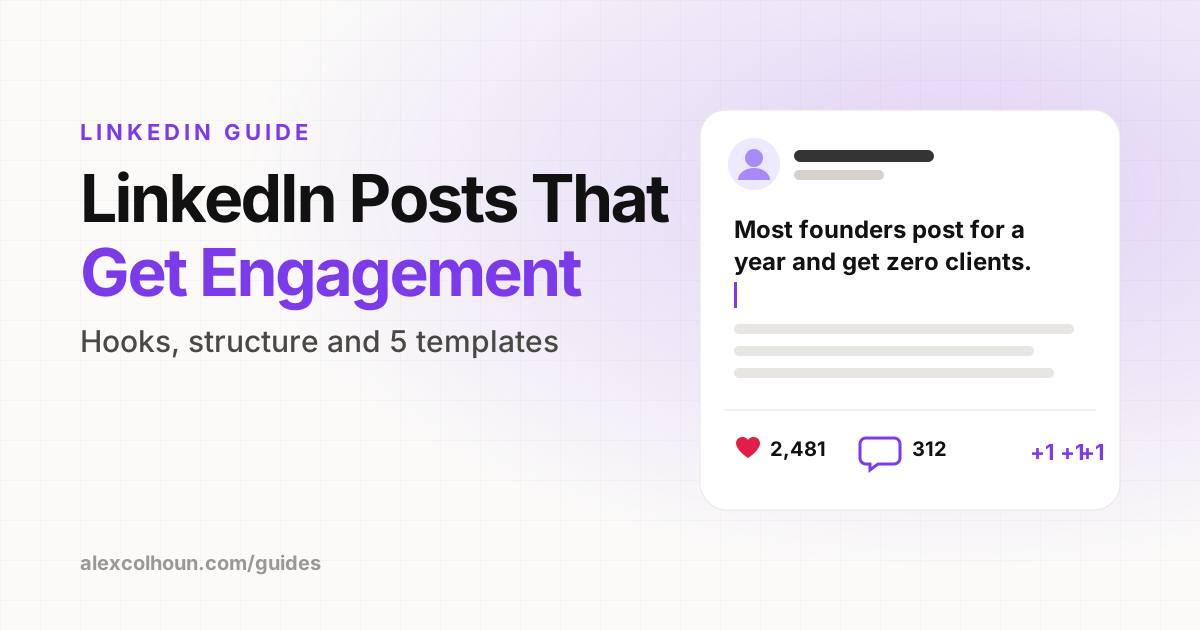
- Write a hook that earns the "see more" click. More on that in how to write LinkedIn posts.
- Deliver one useful idea in short, skimmable lines so people keep reading.
- End with a real question that invites a thoughtful reply, not a one-word comment.
- Reply to every comment in the first hour to keep the conversation going.
- Comment on others' posts in your niche to build relationships, which helps your posts show up for them later.
- Post consistently on the same few topics, three to five times a week.
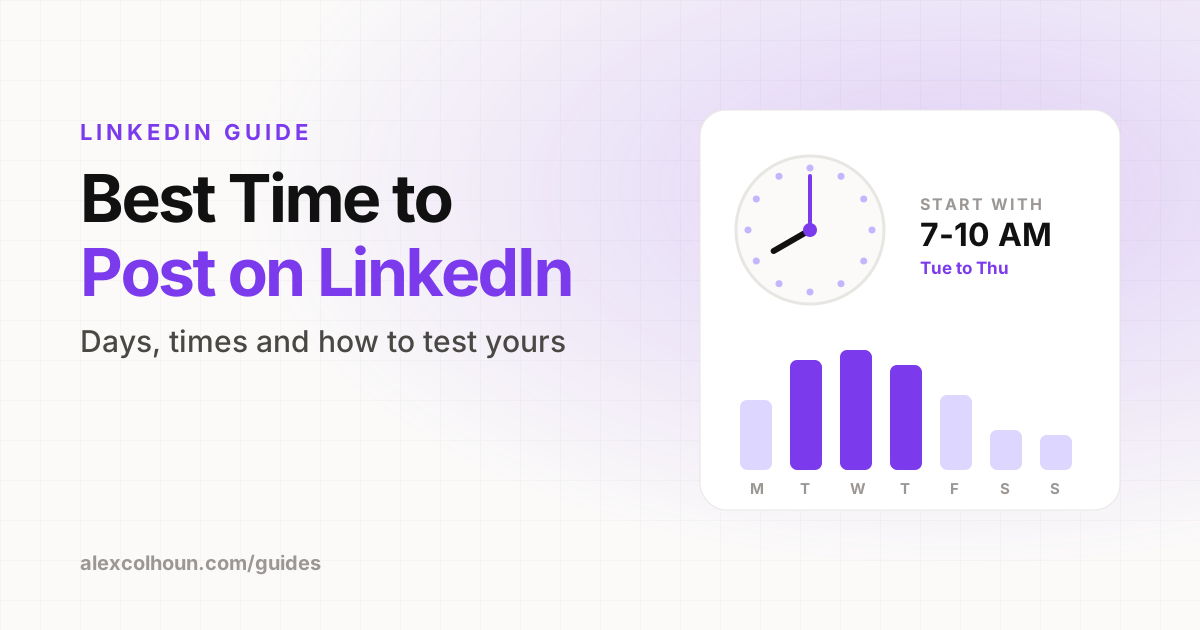
- Post when your audience is online. See the best time to post on LinkedIn.
LinkedIn algorithm myths
- "Editing a post kills its reach." Fixing a typo is fine. Major rewrites right after posting are what to avoid.
- "You need hashtags." A few relevant ones will not hurt, but they are not what drives reach.
- "Only viral posts matter." Consistent, useful posts that reach your buyers matter more than one viral hit.
- "The algorithm is against you." It is built to show people content they value. Make content your audience values.
Reach is not the goal
The algorithm can bring people to your profile. Turning them into clients is a separate system: profile, conversations and calls. That is what I break down in how to get clients on LinkedIn.
If you want help building that system, from content to calls, that is what we do in 1:1 coaching.
Frequently Asked Questions
How does the LinkedIn algorithm work?
LinkedIn shows a new post to a small group first, measures how people respond, such as time spent reading, comments, saves and shares, and then widens or slows distribution based on how relevant and valuable the post appears.
What does the LinkedIn algorithm favor?
Useful, relevant content that people spend time with and have real conversations about. LinkedIn has said it wants to surface knowledge and advice from people with relevant expertise.
Do external links reduce reach on LinkedIn?
Many creators see lower reach on posts with external links. Test it on your own account, and consider putting the value in the post and the link in your Featured section.
Do hashtags help on LinkedIn?
A few relevant hashtags will not hurt, but they are not a major driver of reach. Clear topics and engaging content matter far more.
Does editing a LinkedIn post hurt reach?
Fixing a typo is fine. Avoid major rewrites right after posting while the post is being tested.