LinkedIn Connection Request Messages (8 Templates)
When to add a note, the 4 rules of a good one and 8 templates that get accepted without pitching.

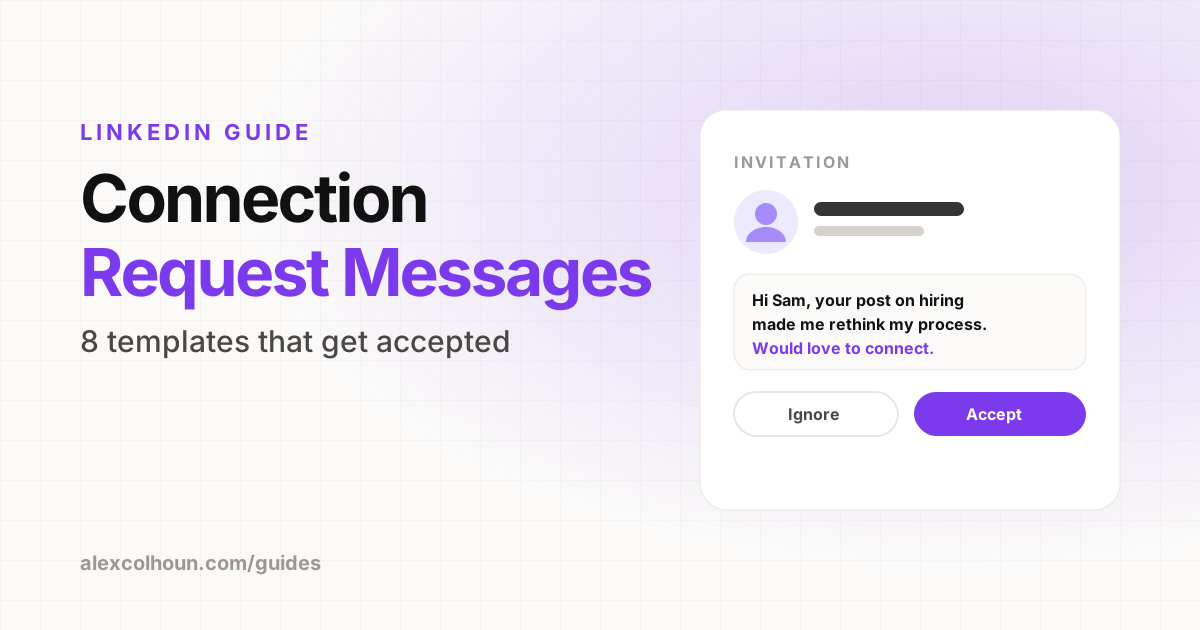
A good LinkedIn connection request message is short, personal and gives a real reason for connecting, without pitching. Mention how you know of them (a post, a shared interest, a mutual connection or an event), say why you want to connect and stop there. Notes are limited to a small number of characters, around 200 on free accounts, and free accounts can only send a limited number of personalized notes each month, so save notes for the people who matter most.
Connection requests are the start of almost every relationship on LinkedIn, and most of them are wasted. People either send no note at all, or they send a note that is really a sales pitch in disguise. Both get ignored.
Here is when to add a note, how to write one, and templates for the most common situations.
Should you add a note to a connection request?
Not always. LinkedIn limits how many personalized notes free accounts can send each month, so use them where they count:
- Add a note when the person does not know you, when they are a potential client or partner, or when the reason for connecting is not obvious.
- Skip the note when they have just engaged with your content, you have mutual connections in the same niche, or you met recently and they will recognize your name.
The 4 rules of a good connection note
- Be specific. Reference something real: their post, their company, a shared group or event.
- Give a reason. Why do you want to connect? Shared interest, similar work, learning from them.
- Keep it short. Notes have a tight character limit, around 200 characters on free accounts. One or two sentences is ideal.
- Do not pitch. Not in the note, and not in the first message after they accept.
LinkedIn connection request templates
1. After reading their post
Hi [Name], your post on [topic] made me rethink how I [do something]. Would love to follow your work and connect.
2. After they engage with your content
Hi [Name], thanks for the comment on my post about [topic]. Great point about [detail]. Let's connect.
3. Same industry or niche
Hi [Name], I also work with [audience] on [topic]. Always good to connect with people in the same space.
4. Mutual connection
Hi [Name], I saw we both know [Mutual]. I work on [topic] and would love to connect.
5. After an event or LinkedIn Live
Hi [Name], I enjoyed your question at [event] about [topic]. Would be great to stay connected.
6. Potential client (no pitch)
Hi [Name], I follow a lot of [industry] founders and your work at [Company] stood out, especially [specific detail]. Let's connect.
7. Potential partner or collaborator
Hi [Name], I create content for [audience] and think our audiences overlap a lot. Would love to connect and swap notes sometime.
8. Someone you admire
Hi [Name], I have been learning a lot from your posts on [topic], especially [specific post]. Would love to connect.
Personalize every template. If a note could be sent to anyone, it will be treated like spam.
What to do after they accept
An accepted request is a door opening, not a sale. Good next steps:
- Engage with one or two of their posts over the next week.
- If there is a natural reason, send a short message with a question about them, not a pitch.
- Keep posting. Your content does the work of reminding them who you are.
For message templates that turn connections into conversations and calls, see LinkedIn DMs that book calls.
Who should you connect with?
- Your ideal clients, so they see your content.
- Peers and creators in your niche, so you can learn from and engage with each other.
- Potential partners and referral sources.
- People who engage with your content. They are already interested.
Quality beats quantity. A network full of the right people makes your feed better and your posts more relevant to the people who see them.
Connection limits and best practices
- LinkedIn limits how many invitations you can send each week. Sending too many, especially ones that go unaccepted, can get your account restricted.
- Withdraw old pending invitations every few weeks.
- Avoid automation tools that send connection requests for you. They put your account at risk.
- Focus on people likely to accept: those in your niche, who engage with you, or who share connections with you.
Connection request mistakes
- Pitching in the note: "Hi, I help companies like yours increase revenue by 300%..."
- Fake personalization: "I came across your impressive profile."
- Accepting and immediately sending a sales message.
- Mass-sending identical notes.
- Connecting with everyone, which fills your feed with irrelevant content.
Connections are the start. A profile that converts and content that keeps you visible do the rest. See how to get clients on LinkedIn, and grab more templates for free inside The Growth Innovator community on Skool.
Frequently Asked Questions
What should I write in a LinkedIn connection request?
Mention how you know of them, such as a post, event or mutual connection, give a reason for connecting and do not pitch. One or two sentences is ideal.
How many characters can a LinkedIn connection note have?
Notes are short. Free accounts are limited to around 200 characters, and Premium accounts get more.
Should I always add a note to a LinkedIn connection request?
No. Free accounts can only send a limited number of personalized notes each month, so use them for people who do not know you or where the reason is not obvious.
What should I do after someone accepts my connection request?
Engage with their posts and, if there is a natural reason, send a short message about them. Do not pitch right away.