How to Optimize Your LinkedIn Profile: The Complete Checklist
Headline formulas, About section structure and the exact checklist I use to turn profile visits into conversations.

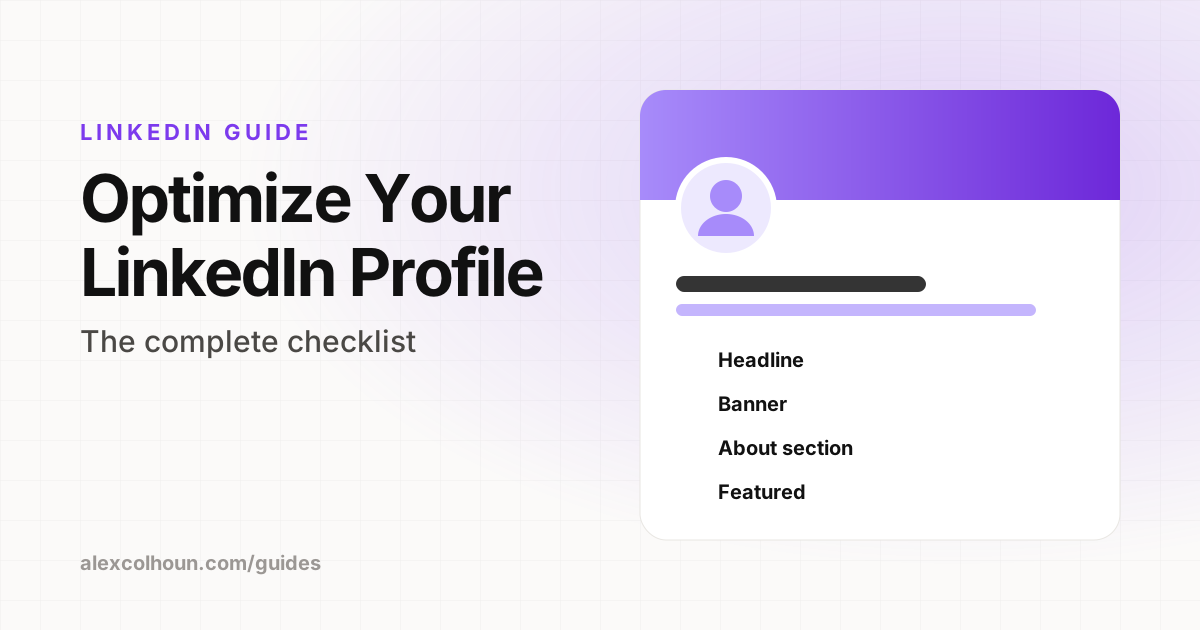
An optimized LinkedIn profile tells a visitor in five seconds who you help, what result you get them, and why they should trust you. Fix these in order: headline, banner, profile photo, About section, Featured section, Experience, and a clear call to action. Use the checklist at the end to audit yours.
Your profile is the landing page for everything you do on LinkedIn. Every post, comment and connection request sends people to it. If it does not convert, great content goes nowhere.
I rebuild profiles for founders, coaches and consultants as part of my coaching. This is the exact order I work through, with formulas you can copy.
1. Headline: say who you help and how
Your headline shows up next to your name everywhere: in the feed, in comments, in search results and in DMs. It is the most important line on your profile.
Use this formula:
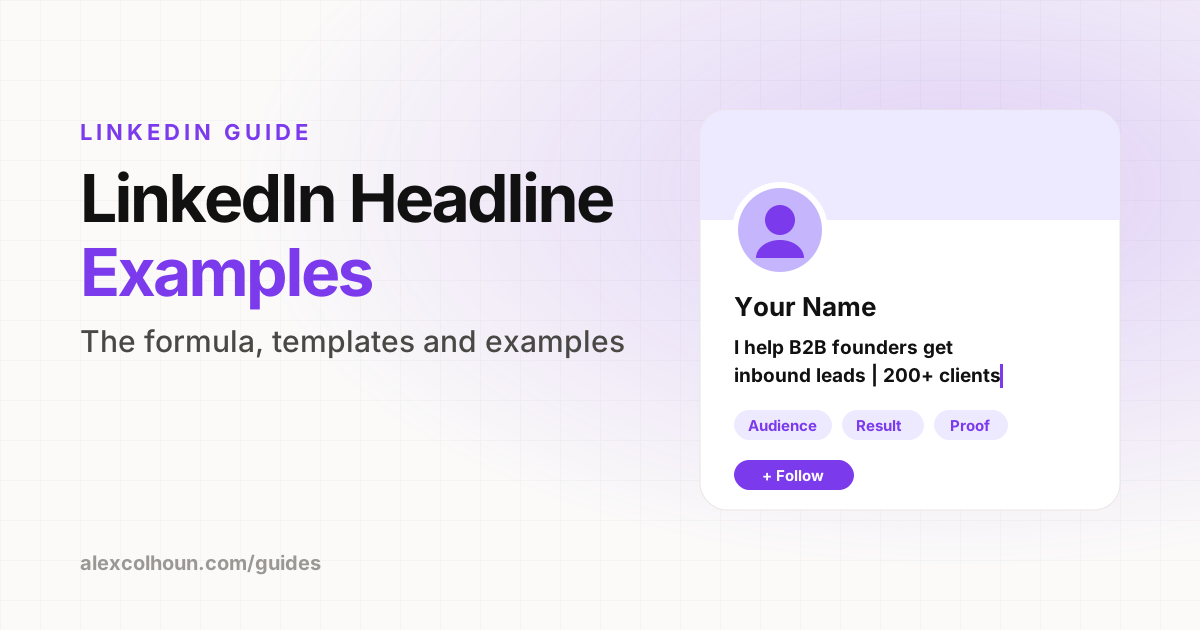
I help [who] [get what result] | [proof point or credibility]
Examples:
- I help B2B founders get inbound leads from LinkedIn | 46K followers, zero paid ads
- Helping executive coaches fill their calendar with ideal clients | Former Fortune 500 leader
Avoid job titles on their own. "CEO at Company" tells a stranger nothing about why they should follow you.
2. Banner: one promise, one proof
The banner is the biggest piece of visual space on your profile and most people leave it blank. Keep it simple: one sentence about the result you deliver and, if you have one, a single proof point or logo row. Make sure nothing important sits in the bottom left, where your profile photo covers it, especially on mobile.
3. Profile photo: clear, close, friendly
Use a recent, well lit photo where your face fills most of the frame. Look at the camera and smile. A clean or brand colored background helps your photo stand out as a small circle in a busy feed.
4. About section: write it for your buyer
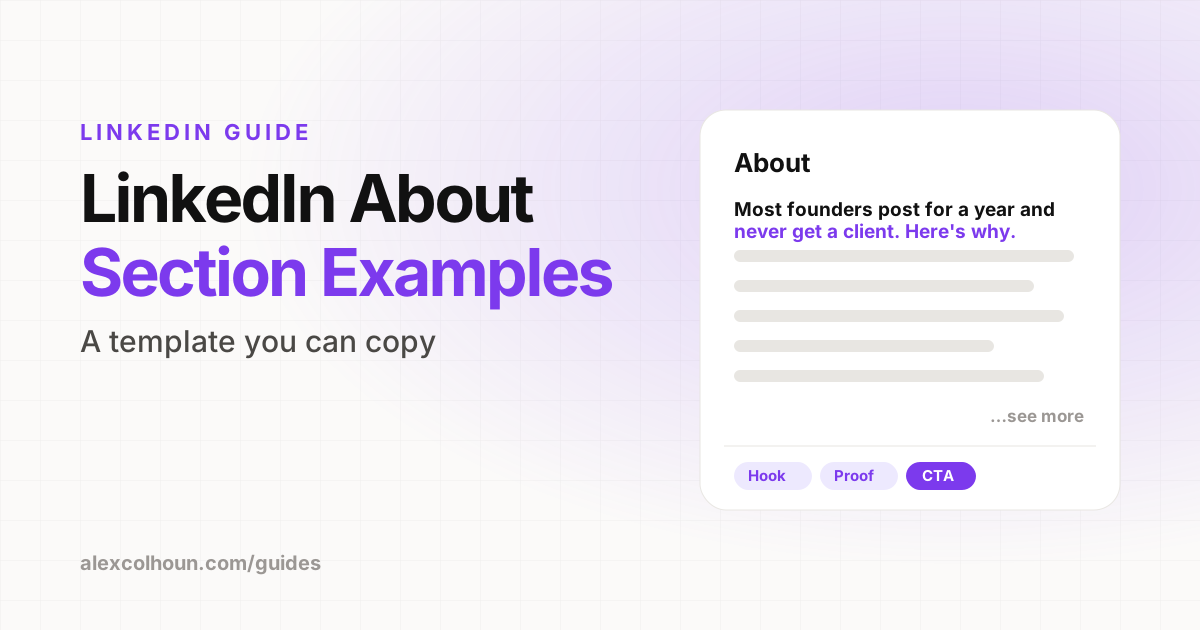
Most About sections are a biography. Yours should be a sales page written in a human voice. Use this structure:
- Hook: name the problem your buyer has, in their words.
- Why it happens: the real reason most people stay stuck.
- What you do: your process or method, in plain language.
- Proof: two or three results, numbers or client wins.
- Next step: exactly what to do if they want help, with a link.
Only the first two or three lines show before "see more", so make the opening line count.
5. Featured section: your best two or three links
The Featured section is prime real estate that most people waste on old posts. Use it for the things that move someone toward working with you:
- Your best free resource, such as a guide, template or community.
- A way to book a call.
- One standout post or case study that shows proof.
6. Experience: results, not responsibilities
Under your current role, describe the outcomes you create for clients, not a list of duties. Add media where you can, such as case studies, slides or videos. Past roles can be short, but make sure the story they tell supports your current positioning.
7. The details that add up
- Custom URL: change it to linkedin.com/in/yourname.
- Skills: list the skills your buyers search for, with the most relevant at the top.
- Recommendations: a few specific recommendations from clients are worth more than dozens of generic ones.
- Contact info and website: make it easy to find your link.
- Consistency: your headline, banner, About and Featured should all say the same thing in different ways.
The LinkedIn profile checklist
| Section | Check |
|---|---|
| Headline | Says who you help and the result, plus one proof point |
| Banner | One clear promise, readable on mobile, not covered by your photo |
| Photo | Recent, face fills the frame, clean background |
| About | Opens with your buyer's problem and ends with a next step |
| Featured | Free resource, booking link and one proof piece |
| Experience | Describes outcomes, with media where possible |
| URL | Custom and clean |
| Recommendations | At least three specific client recommendations |
Common profile mistakes
- Writing for recruiters instead of buyers.
- Listing what you do instead of the result you create.
- No call to action anywhere on the profile.
- A Featured section full of posts from two years ago.
- Different messages in the headline, banner and About section.
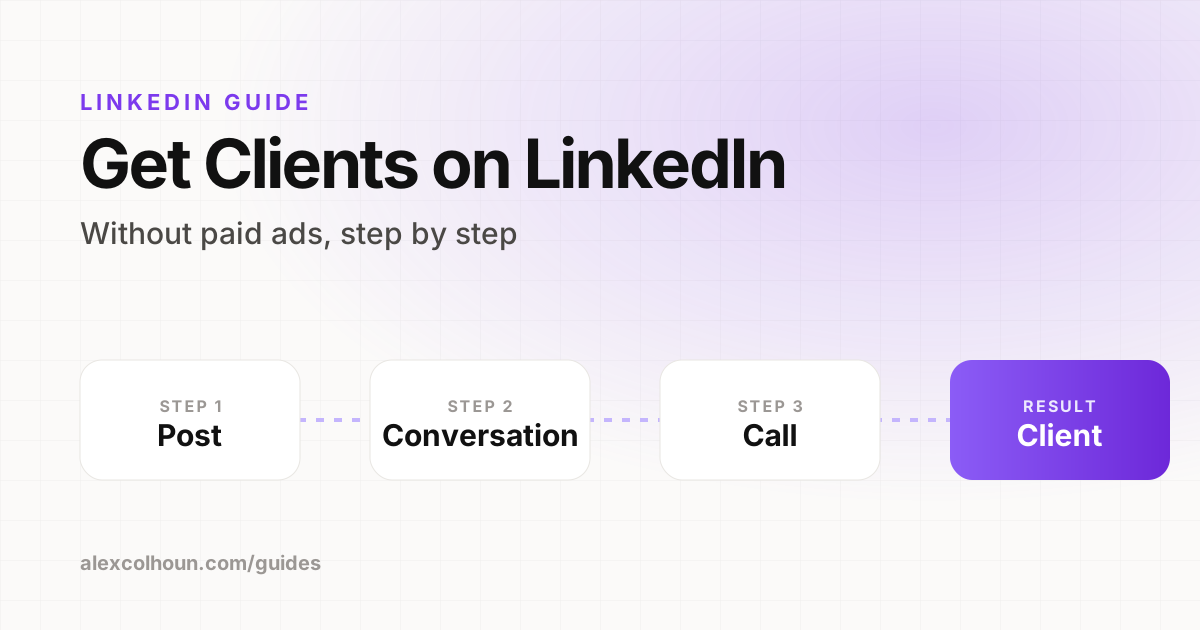
A strong profile is one of the five pillars of the LinkedIn Growth System, alongside content, DMs, LinkedIn Lives and a newsletter. Once your profile converts, the next step is getting the right people to it, which I cover in how to get clients on LinkedIn. If you want feedback on your profile, members share theirs for review inside The Growth Innovator community.
Frequently Asked Questions
What makes a good LinkedIn headline?
A good LinkedIn headline says who you help and what result you get them, followed by one proof point. For example: I help B2B founders get inbound leads from LinkedIn, followed by a credibility marker.
What should I write in my LinkedIn About section?
Write it for your buyer: open with their problem, explain why it happens, describe your process, share two or three results, and finish with a clear next step and a link.
What should go in the LinkedIn Featured section?
Your best free resource, a way to book a call, and one strong proof piece such as a case study or a high performing post.
How often should I update my LinkedIn profile?
Review it whenever your offer or positioning changes, and at least every few months to keep your Featured section, results and banner current.