How to Start a LinkedIn Newsletter (And Grow It)
Setup, naming, your first edition and how to grow it, from someone whose newsletter is read by 15,800+ founders.

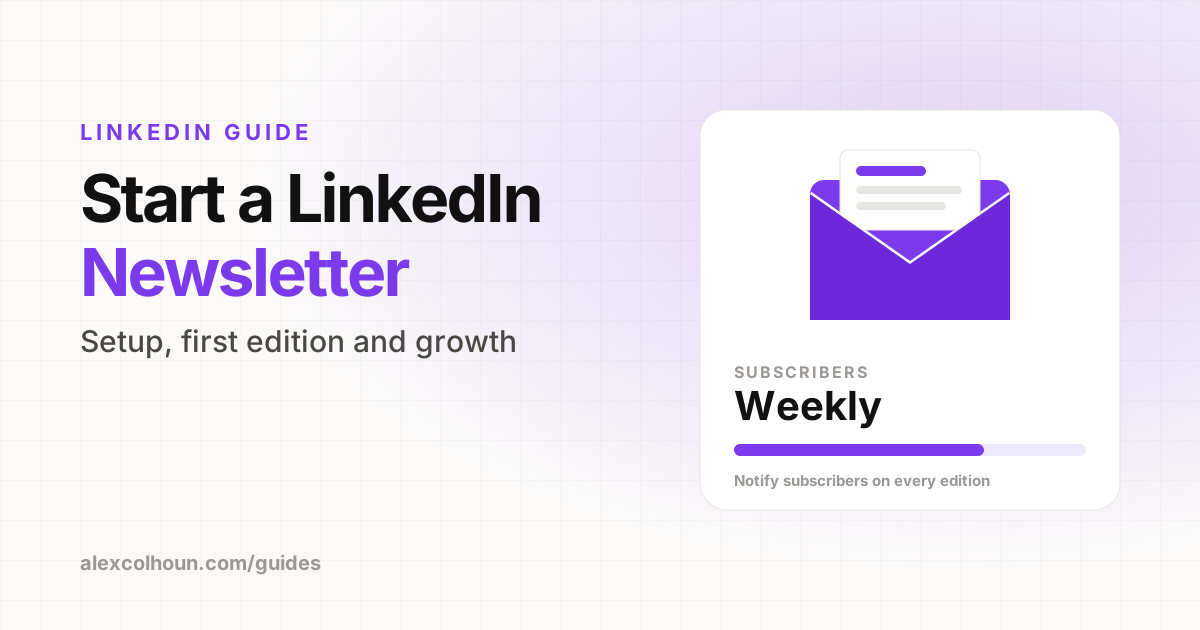
To start a LinkedIn newsletter, open the post composer, choose "Write article", select the option to create a newsletter, then add a name, a description, how often you will publish and a logo. When you publish the first edition, LinkedIn invites your followers and connections to subscribe and notifies subscribers of every new edition. Pick one clear topic, publish on a fixed schedule and give readers a reason to also join an email list you own.
I run The Growth Innovator, a weekly newsletter read by 15,800+ founders. A newsletter is one of the five pillars of the LinkedIn Growth System I teach, because it is the most reliable way to stay in front of your audience every single week, whether or not a post goes viral.
LinkedIn newsletters are the easiest way to start, because your subscribers come from people who already follow you. Here is how to set one up and how to make it worth subscribing to.
Why start a LinkedIn newsletter?
- Built-in distribution: when you launch, LinkedIn invites your followers and connections to subscribe.
- Notifications: subscribers are notified when you publish a new edition, which a normal post does not guarantee.
- Depth: long form lets you go deeper than a post, which builds trust with buyers.
- Search: LinkedIn articles can be found in search engines, which brings in readers from outside LinkedIn.
- Authority: a regular newsletter signals that you are serious about your topic.
Who can start a LinkedIn newsletter?
Most personal profiles can create a newsletter from the article editor. LinkedIn has historically required a minimum audience size and an account in good standing, and its rules change over time. If you do not see the newsletter option in the article editor, keep growing your audience and check again. Company pages can also publish newsletters if you are an admin.
How to set up a LinkedIn newsletter, step by step
- On your LinkedIn home feed, click "Write article" (on desktop).
- In the article editor, choose the option to create a newsletter.
- Name it. Clear beats clever. Include your topic so people know what it is about.
- Write the description. One sentence: who it is for and what they get.
- Choose a frequency. Daily, weekly, biweekly or monthly. Pick what you can sustain for a year.
- Upload a logo. A simple square image, ideally your photo or brand mark.
- Write and publish your first edition. LinkedIn sends the subscribe invitation when it goes live.
How to name your newsletter
- Topic + audience: "LinkedIn Growth for Founders".
- Brand name + promise: "The Growth Innovator: one LinkedIn system every week".
- Outcome: "Inbound Weekly", "The Pipeline", "Better Proposals".
Avoid names that only make sense to you. A stranger should understand it from the title alone.
What to write in your first edition
Your first edition gets the biggest audience because of the launch invitation, so make it your best piece:
- Explain who the newsletter is for and what readers will get every week.
- Deliver one genuinely useful idea right away, not just an introduction.
- Tell readers when the next edition comes out.
A simple edition format
| Section | What goes in it |
|---|---|
| Hook | Why this topic matters right now |
| The main idea | One system, framework or lesson, explained step by step |
| Example | A real example, screenshot or result |
| Action step | One thing the reader can do this week |
| Next step | Your newsletter signup, free resource or offer |
Keep each edition focused on one idea. A newsletter that tries to cover everything ends up memorable for nothing.
Write edition titles for search
Each edition is an article, and articles can show up in Google. Title editions the way people search: "How to write a LinkedIn headline" will be found far more often than "Thoughts on positioning". Add a clear cover image and a short summary at the top.
How to grow your newsletter
- Post about every edition. Turn the main idea into a LinkedIn post or carousel and point to the newsletter.
- Put it in your Featured section. See how to use the Featured section.
- Mention it in your banner or headline if it is your main conversion path.
- Be consistent. Publishing on the same day every week builds a habit for your readers.
- Repurpose. Each edition can become several posts over the next few weeks.
LinkedIn newsletter vs an email newsletter you own
| LinkedIn newsletter | Email newsletter (Beehiiv, etc.) | |
|---|---|---|
| Getting subscribers | Easier, thanks to built-in invitations | Harder, you drive every signup |
| Who owns the list | You | |
| Exporting subscribers | Not possible | Yes |
| Monetization and automation | Limited | Full control |
The best approach is to use both: a LinkedIn newsletter for reach, and an owned email list for the relationship. In every LinkedIn edition, give readers a reason to join your email list too, such as a bonus resource. That way, your audience is still yours if LinkedIn changes the rules.
Newsletter mistakes
- Launching with a weak first edition.
- Choosing a frequency you cannot keep.
- Writing about too many topics.
- Never promoting editions with posts.
- Relying only on LinkedIn and never building a list you own.
Want to see what a weekly LinkedIn newsletter looks like in practice? Read The Growth Innovator. And for help planning yours, join the free community on Skool.
Frequently Asked Questions
How do I start a newsletter on LinkedIn?
Click Write article, choose to create a newsletter, add a name, description, frequency and logo, then publish your first edition. LinkedIn invites your followers and connections to subscribe.
Who can create a LinkedIn newsletter?
Most personal profiles can create one from the article editor, but LinkedIn has historically required a minimum audience and good account standing. If you do not see the option, keep growing and check again.
How often should I publish a LinkedIn newsletter?
Choose a frequency you can sustain for a year. Weekly is a strong default for most founders and consultants.
Can I export my LinkedIn newsletter subscribers?
No. LinkedIn does not let you export newsletter subscribers, which is why it is smart to also build an email list you own.